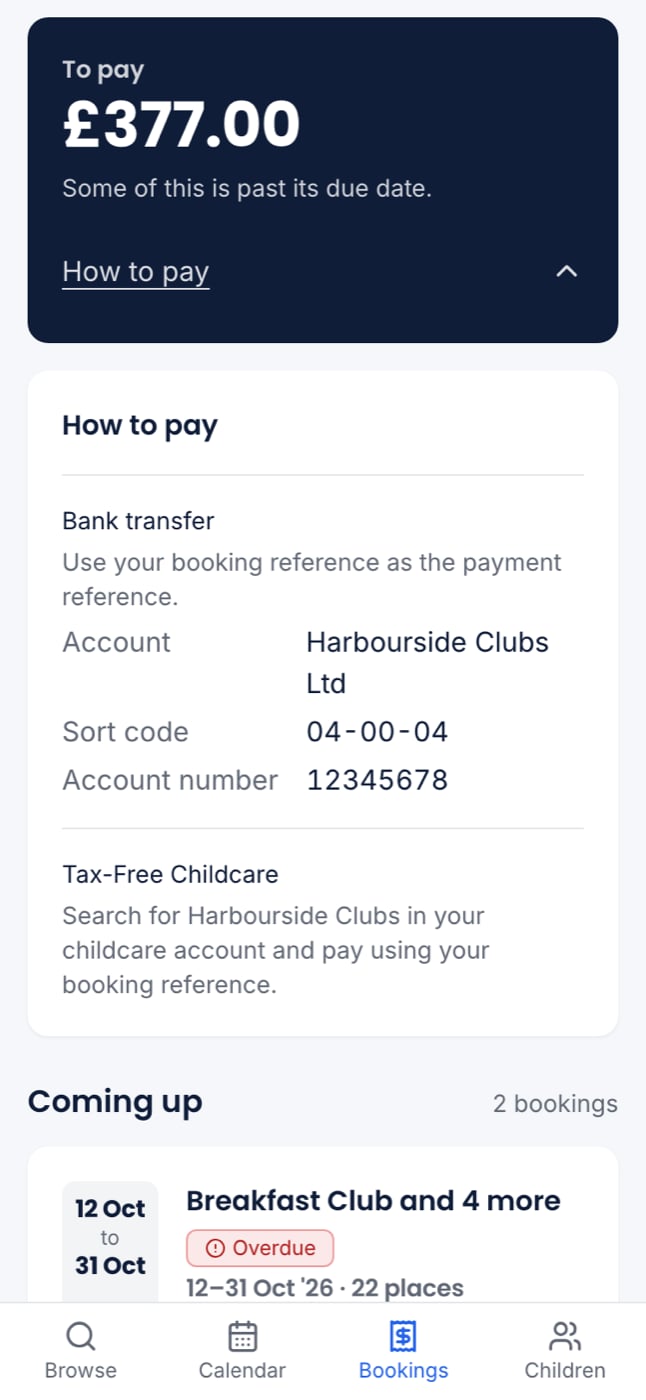
See what you owe
Open Bookings. The To pay panel sits beside your bookings, or above them on a phone. It shows:- the total you owe across every booking
- when the next payment is due, or that some is past due
- any credit the club owes you, which is taken off your next booking automatically
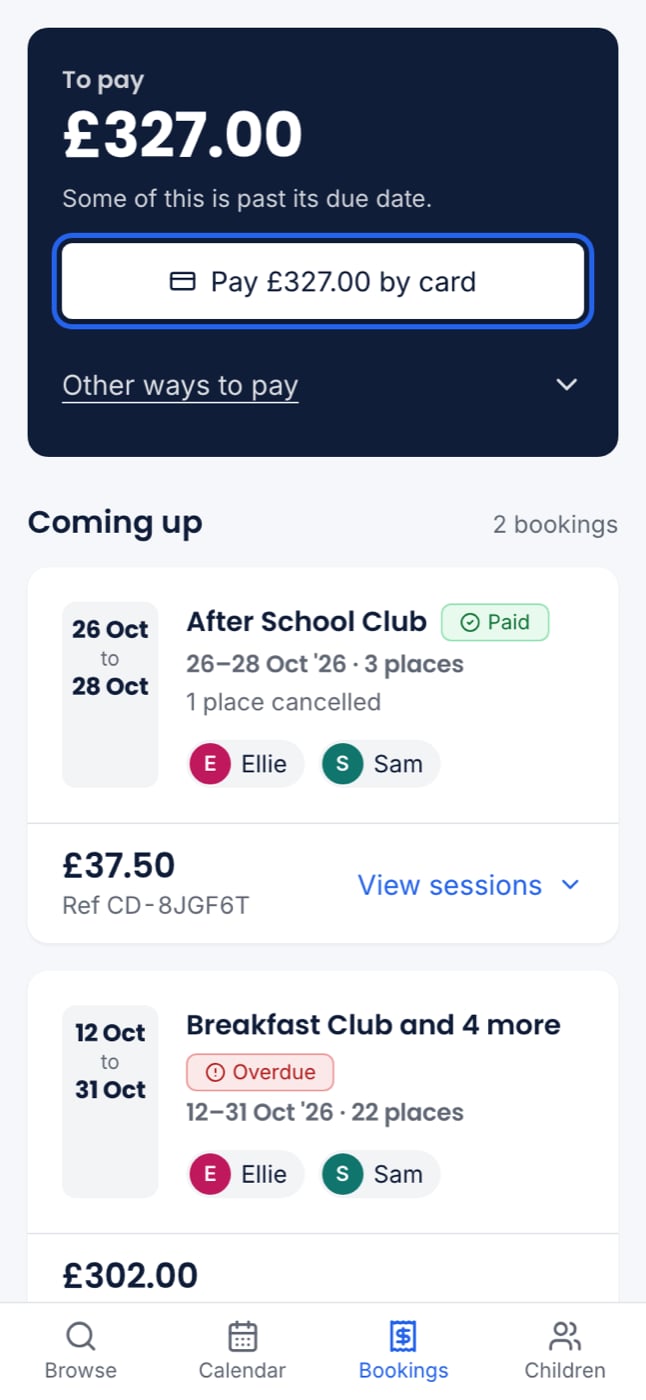
Pay everything online
If your club takes card or Tax-Free Childcare online, the panel shows a button for the whole amount. You always pay everything you owe at once, never one booking at a time.By card
1
Press Pay by card
Press Pay £X by card. The card form opens in the panel’s place.
2
Enter your card and pay
Press Pay £X. To stop, press Not now and the panel comes back as it was.
3
Done
The panel says the amount was paid, for example “£286.00 paid by card. Thank you — we have emailed you a receipt.” Every booking now shows paid.
From Tax-Free Childcare
Press Pay £X from Tax-Free Childcare. If you have not connected to HMRC yet, you are asked for each child’s reference first, then to Connect to HMRC and Link each child’s account. See Paying with Tax-Free Childcare. The money comes from each child’s account for that child’s places.After you pay
You are emailed Payment received from the club. It shows how much you paid, how, and which bookings it paid for. It also says either that you have nothing more to pay, or what is still owed.Pay by hand
Open How to pay, or Other ways to pay beside a card button. You will see the ways your club takes, with the details for each:- Bank transfer: the club’s bank details and the reference to quote
- Tax-Free Childcare: how to find the club in your childcare account, and your child’s reference
- Childcare vouchers: the club’s details with your voucher scheme