

Staff and Managers can both open the calendar.
Show bookings and takings
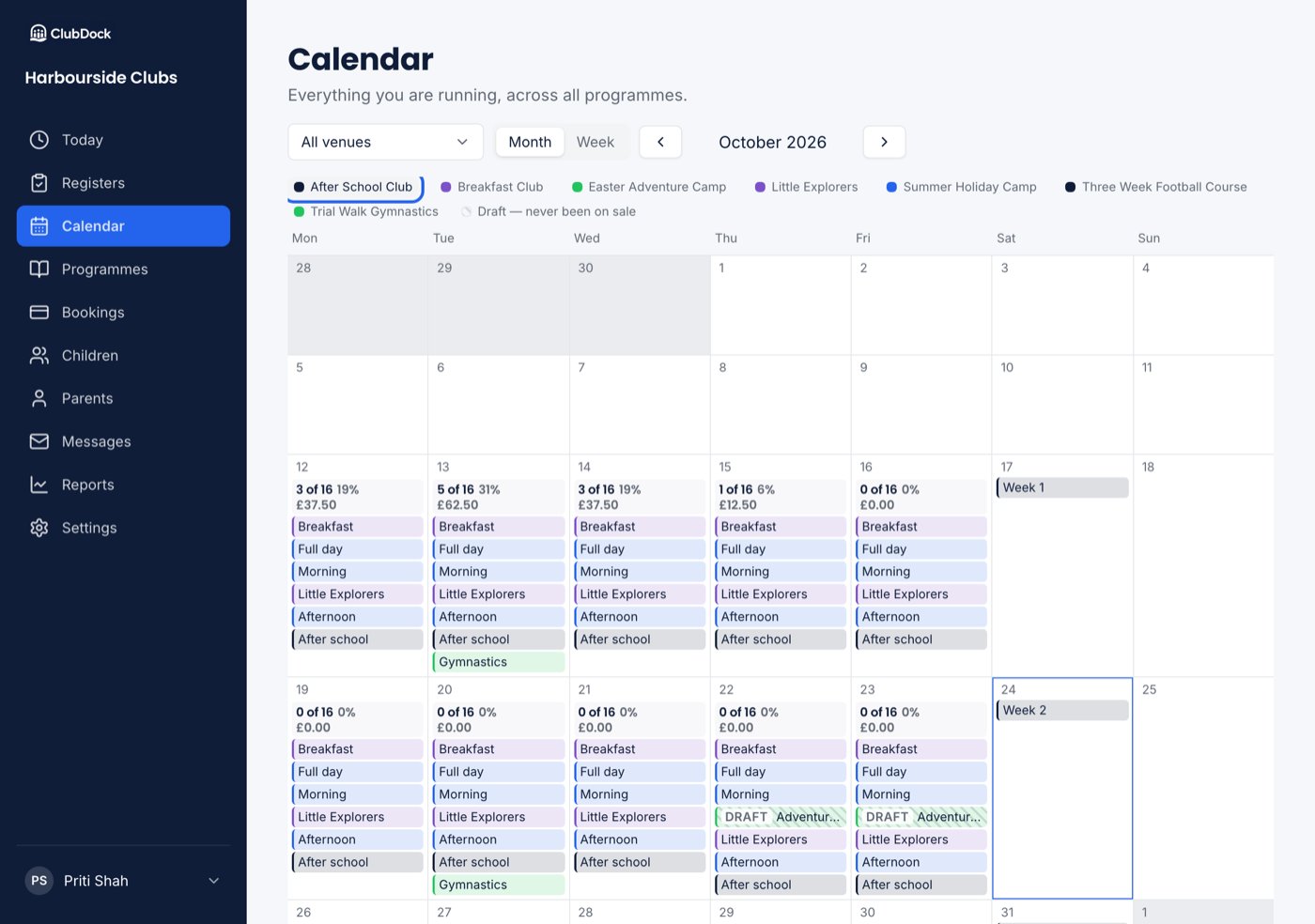
Click a programme in the legend to show its figures on each day it runs:- Places booked, out of how many — “3 of 16”, with how full it is as a percentage.
- What the club has charged for that day.
Reading the figures
- Places count only places that stand. If any of a day’s sessions has no limit, no capacity or percentage is shown, because a day that cannot fill should never read as nearly full.
- Money is what was charged: the bookings for that day, extras included, cancelled places left out. It is not money received, and it is not places multiplied by today’s price. If you changed a price after people booked, it still shows what they were actually charged.
- A day the programme does not run is left empty.
- A day it runs with nobody booked reads “0 of 16” and £0.00.
- A session with children on its waiting list says how many are waiting. See Waiting lists.