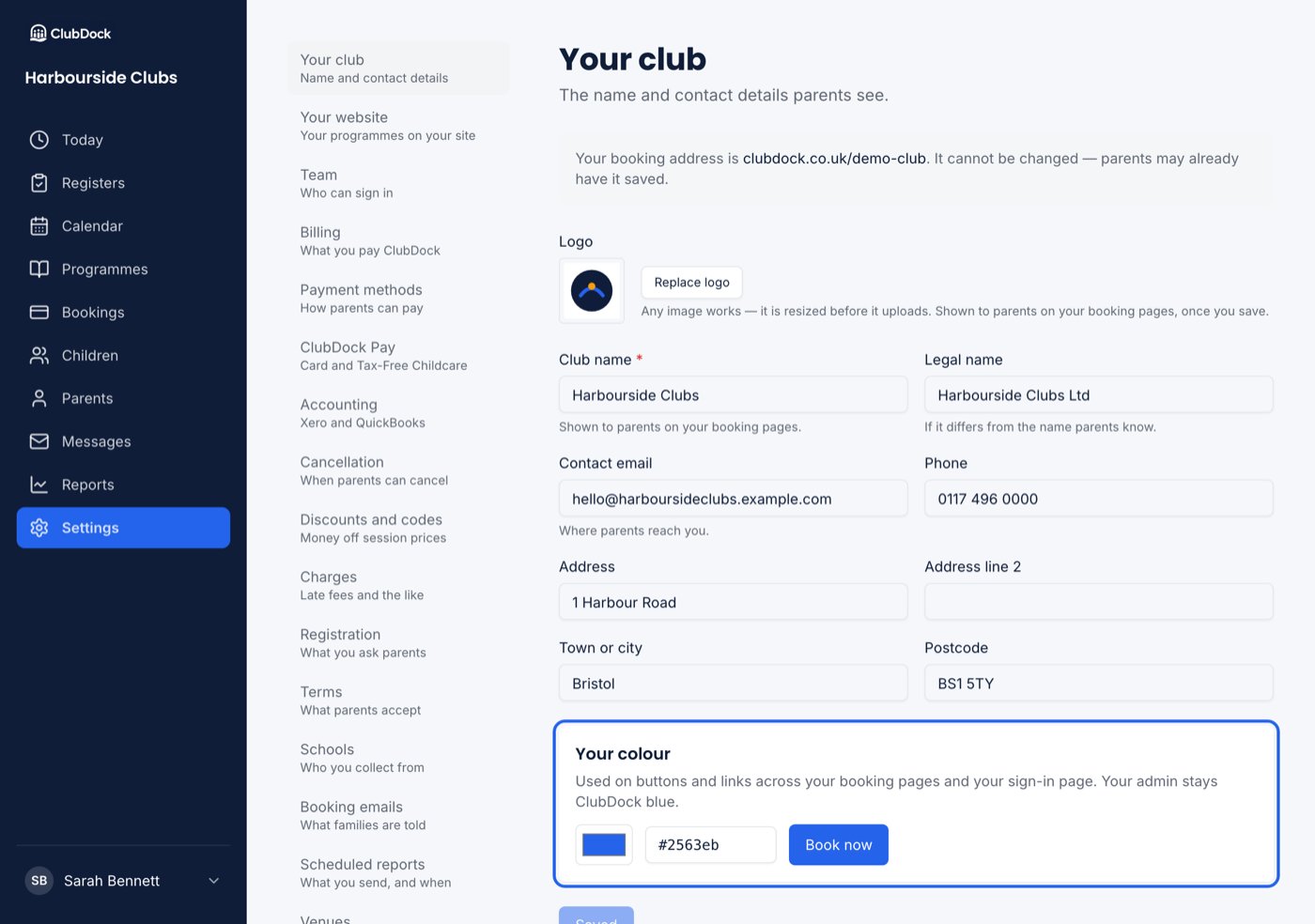
Only a Manager can change these details.
Name and contact details
Press Save changes. The button reads Saved when there’s nothing left to save.
Your club’s web address, such as
clubdock.co.uk/sunshine-clubs, is chosen when you sign up and can’t be changed.Logo and colour
- Logo — any image works; it’s resized before it uploads. Parents see it on your booking pages once you save.
- Your colour — used on buttons and links across your booking pages and your sign-in page. Pick from the colour box or type a hex value. Your admin pages stay ClubDock blue.