

Today’s sessions
At the top, a heading says how many sessions are on today and how many children are booked across them. Below it, each session has:- its start time and venue
- how many children are still expected
- a way into its register
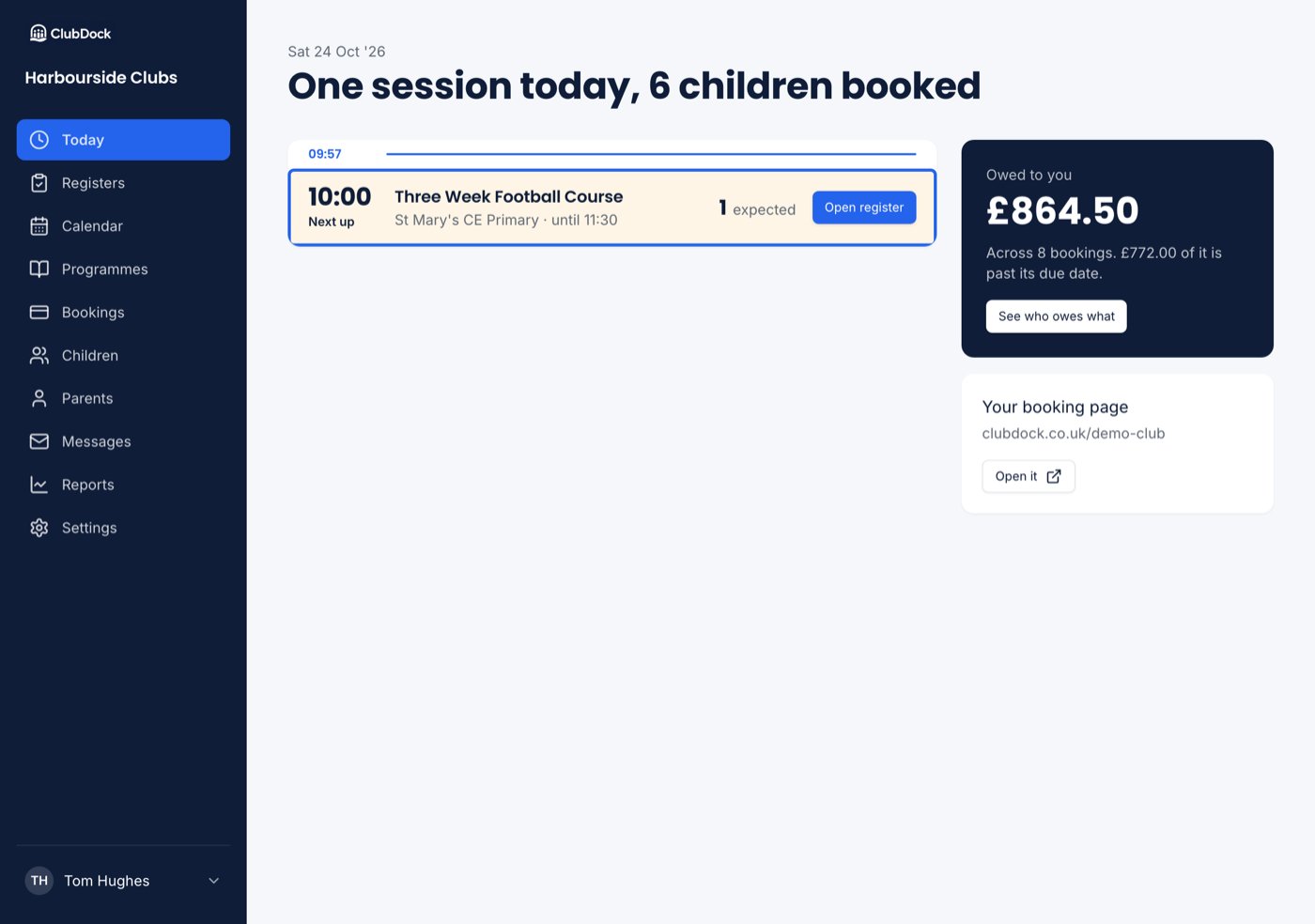
If nothing is on today, Today says so and offers See the calendar.
To take a register, press the session. See Taking a register.
Owed to you
Owed to you is the club’s whole total still owed, across every booking with money left on it, whether nothing has been paid or only part of it. It also says how many bookings that is across, and how much is past its due date.- Only what is left on a part-paid booking counts.
- A cancelled booking never counts, even if it once showed a balance.
- “Past its due date” uses the club’s own date, so a booking due yesterday is overdue from midnight.
Things waiting on you
These panels are shown to Managers.
- Children waiting to be approved. Who is waiting and since when, with a link straight to them. A parent cannot book until you decide, so this stays on Today until you do. See Rules, warnings and approvals.
- An accident report has not reached a parent. An email bounced, was marked as spam or could not be sent. It names the child, when it happened and each parent not reached, with their phone number. Ring them, then press Told by phone to clear it. If no parent who can book the child has an email address, it says Nobody could be emailed. See Accidents and incidents.
- Things that have not reached your accounts. With Xero or QuickBooks connected, anything that did not sync. See When something does not sync.