

Only a Manager can see or change Settings → ClubDock Pay.
Before you start
Stripe needs to check who your club is before it can pay you. Have these ready:- Your club’s legal name and address, and its company number if it has one.
- The name, date of birth and home address of the person responsible for the club, and photo ID for them if Stripe asks.
- The bank account you want payments paid into.
Set up your Stripe account
1
Open ClubDock Pay
Go to Settings → ClubDock Pay.
2
Start
Under Set up card payments, press Start with Stripe. Stripe’s own forms open inside ClubDock. You do not leave the page, and you do not need a Stripe account already.
3
Answer Stripe's questions
Work through the forms. You can stop and come back; your club still has one Stripe account however many times you open it.
4
Check where things stand
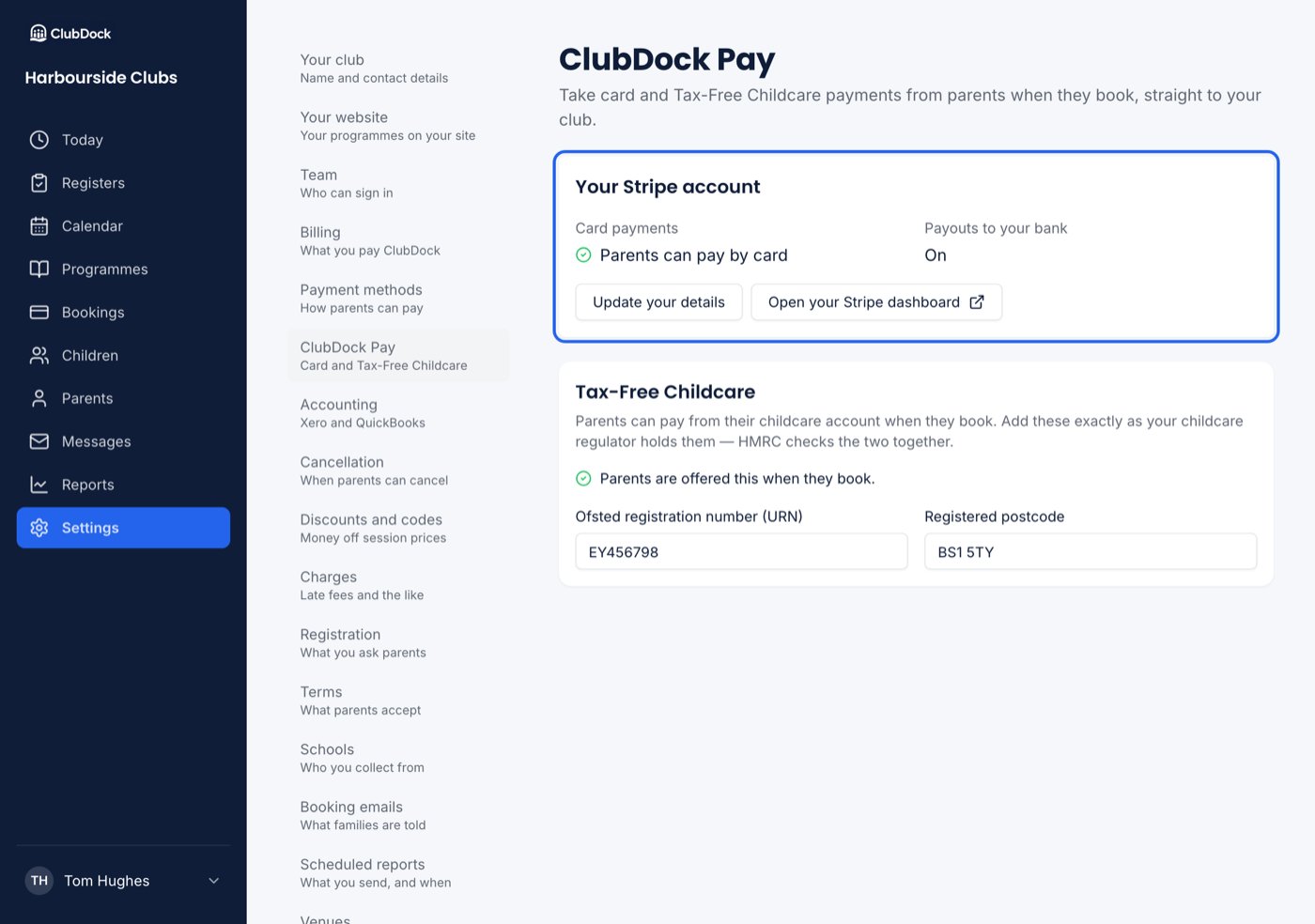
When you finish, the page shows whether Parents can pay by card and whether Payouts to your bank are on.
5
Switch Card on
Go to Settings → Payment methods and switch on Card. Until Stripe is ready, the switch cannot be turned on and says why. See Payment methods.
What a parent sees
A parent who chooses card sees Continue to payment, and is told that nothing is booked until the payment goes through. Stripe’s card form appears in the page, and their places are held for 20 minutes while they pay.- The card goes through. The places are booked and the card charged, in that order. Their confirmation says the booking is paid.
- The payment fails or is abandoned. Nothing is booked and they are not charged.
- They have account credit. It is taken first, and the card pays only the rest.
Card payments on a booking
A card payment shows on the booking with a ClubDock Pay label, the card (for example “Visa •••• 4242”) and Stripe’s fee beside it, for example “Stripe fee £0.88 · £44.12 to your Stripe balance”. The booking records what the parent paid, not what reaches your balance. Stripe’s fee is your cost of collecting the money. Recording the smaller figure would leave every card booking a few pence short, with the parent chased for money they have paid.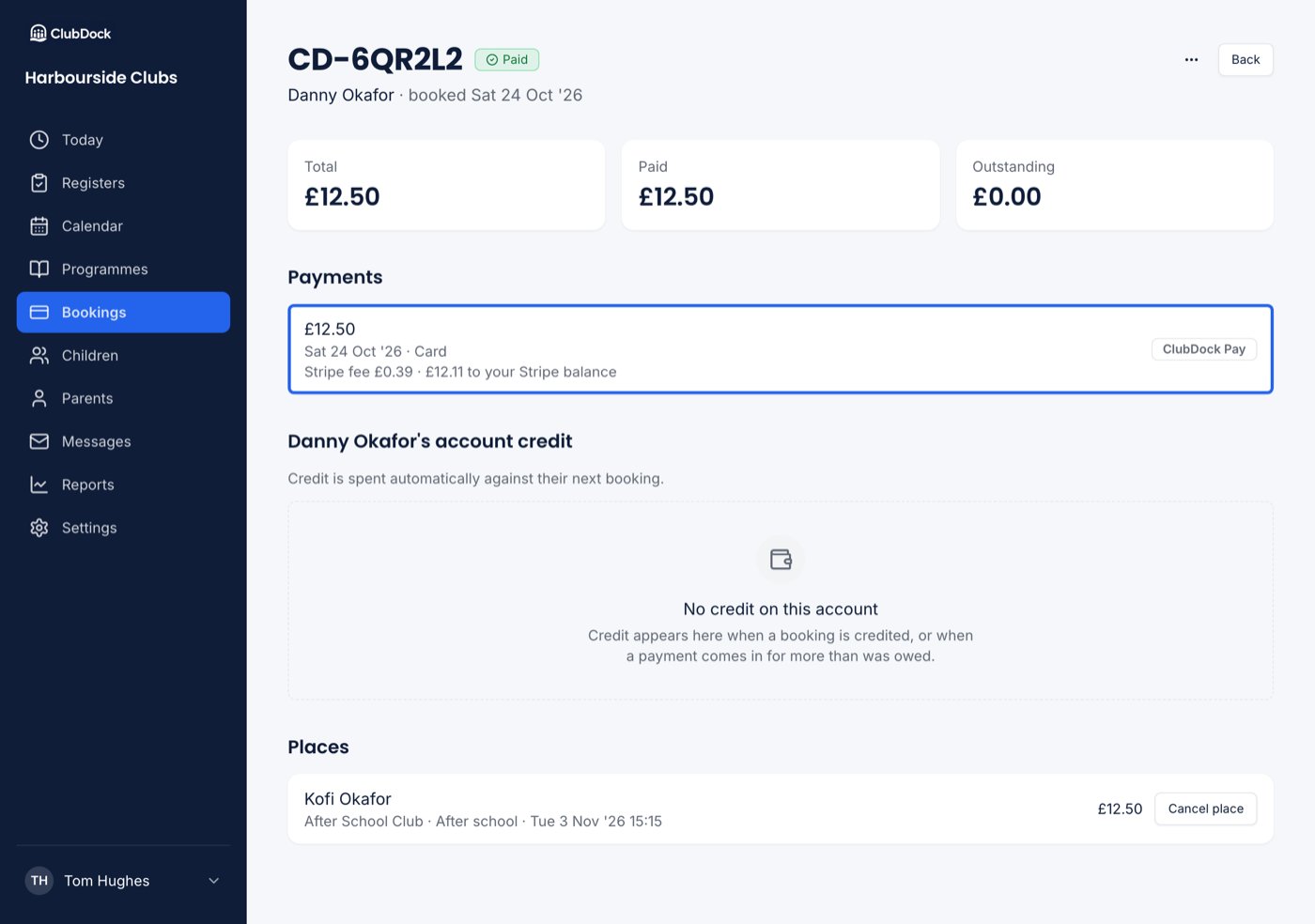
Refunds to a card
A Manager can send credit back to the card it was paid with, using Back to their card. Stripe refunds it from your Stripe balance and it takes 5 to 10 working days to reach the parent. See Credit and refunds.Payouts, statements and disputes
These live in your club’s own Stripe dashboard. On the ClubDock Pay page, press Open your Stripe dashboard.- A parent disputes a card payment. The payment shows Disputed on the booking. You respond in your Stripe dashboard; ClubDock does not answer disputes for you.
- You refund in your Stripe dashboard after cancelling the places. ClubDock records it as a refund of that credit.
- You refund in your Stripe dashboard without cancelling anything. ClubDock shows the booking as owing that money again, so it never says a parent paid money they have had back.
When Stripe needs something more
Stripe sometimes asks for a document or detail later. When it does:- A Stripe banner at the top of the ClubDock Pay page says what it needs. Press Give Stripe what it needs to answer it.
- Card stops being offered to parents straight away, rather than failing when a parent tries to pay.
- Your club’s Managers are emailed once to say card is paused, that nothing already paid is affected, and where to look.