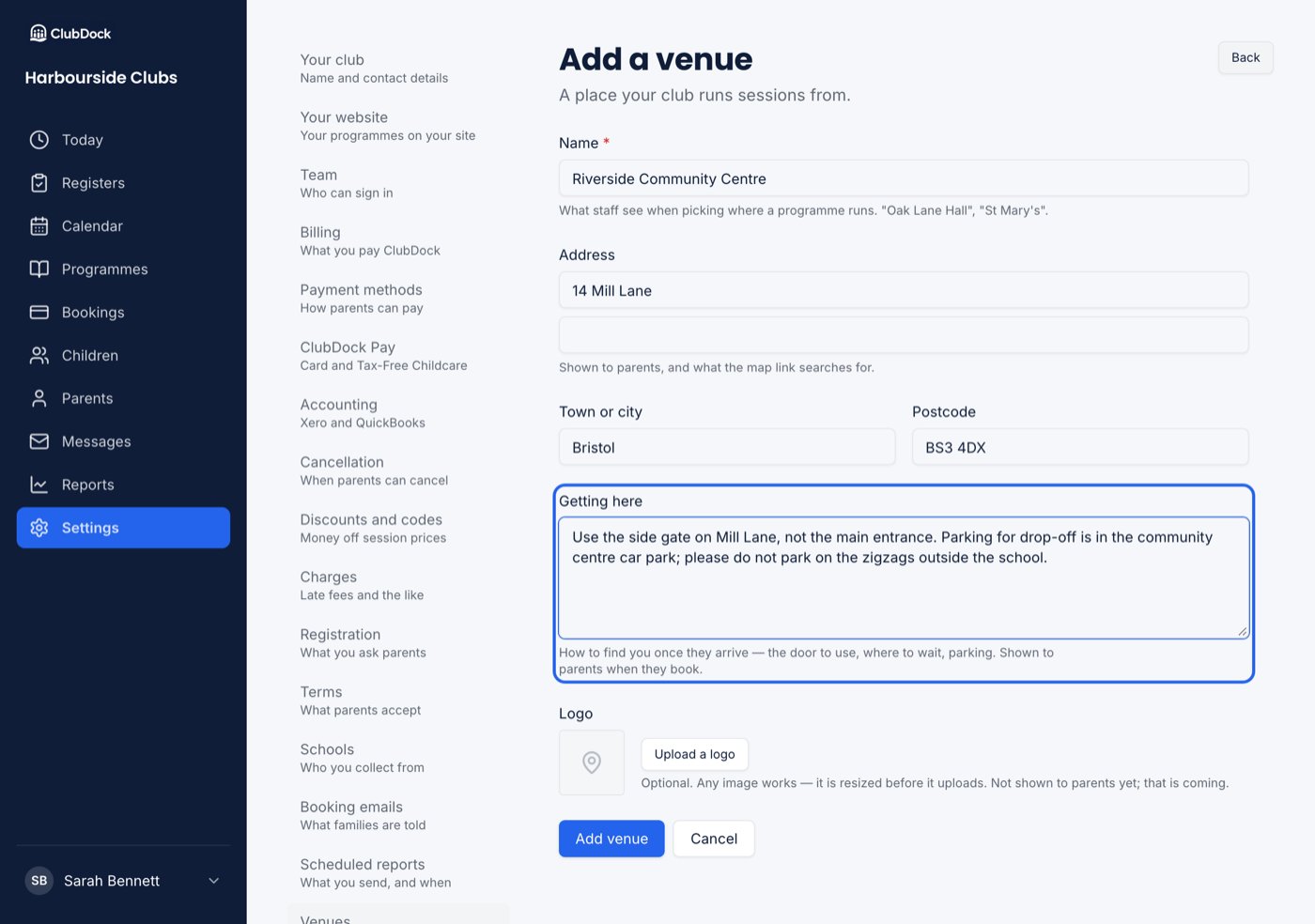
Only a Manager can add, change or remove venues.
Add a venue
1
Start a new venue
Go to Settings → Venues and press Add venue.
2
Name it
Name is what staff see when choosing where a programme runs, such as “Oak Lane Hall” or “St Mary’s”.
3
Add the address
Address, Town or city and Postcode. Parents see the address, and the map link searches for it.
4
Say how to find you
Getting here — the door to use, where to wait, parking. Parents see it when they book. It’s where a first session usually goes wrong, so be specific.