

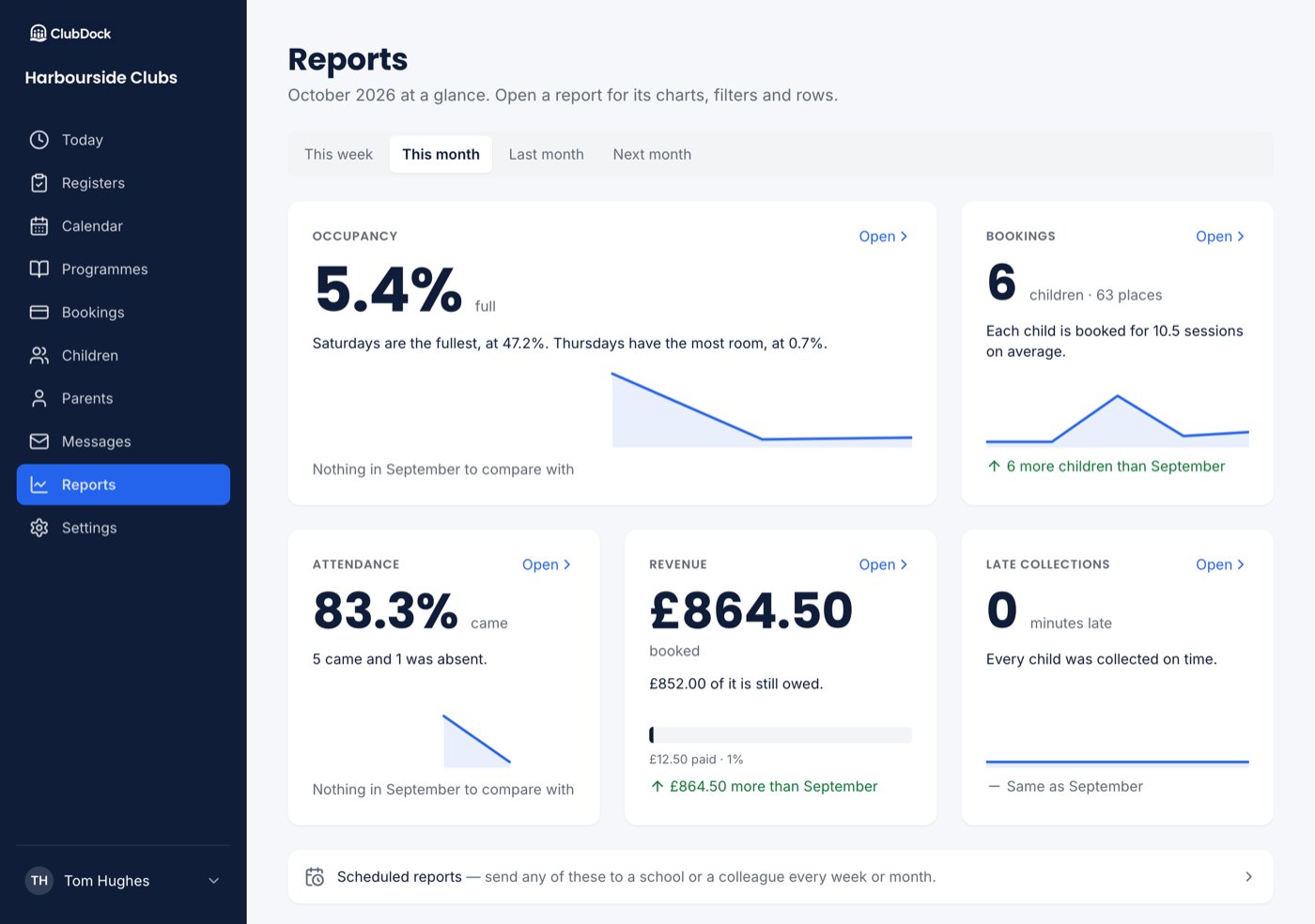
Staff and Managers can see occupancy, bookings, attendance and late collections. Only a Manager sees Revenue and the link to Scheduled reports.
The reports
Occupancy
How full each session was, and which weekdays have room.
Bookings
Who is booked onto what. The report for “who is coming”.
Attendance
Who came, from the registers your staff took.
Late collections
Children collected after their agreed time.
Revenue
What is booked, what is paid and what is still owed. Managers only.
Choose a period
Reports opens on This month, the whole month, forwards as well as back. Choose This week, This month, Last month or Next month and every tile changes. The dates go into the page address, so refreshing or bookmarking the page keeps them, and a report you open from a tile opens on the same dates.Comparing with the period before
Each tile compares with the period before:- A whole month is compared with the month before, for example September with August.
- Any other range is compared with the same number of days just before it.
What some tiles say
- Occupancy names your fullest and quietest weekday, for example “Mondays are the fullest, at 16%. Wednesdays have the most room, at 6%”.
- Attendance shows a dash and “Nothing is written until staff take a register” until registers have been taken. See Bookings versus attendance.
- Late collections says “Every child was collected on time” when nobody was late.
- Revenue shows what is booked, how much of it is still owed, and a bar of paid against booked.
Next steps
- Each report, explained
- Bookings versus attendance: which report answers which question
- Scheduled reports: send a report to a school office on a timetable