

Settings → Schools lists the schools your children come from. Parents choose from this list when they register a child.
Only a Manager can change the schools list.

What schools are used for

  • Limiting a session to children at one school.
  • The school-run sheet: who to walk to, or collect from, each school. See The school run.
  • Scheduled reports to each school office. See Scheduled reports.
  • Registration rules, such as asking you to approve children from a school. See Rules, warnings and approvals.
  • Finding children, filtering reports and messaging parents by school.

Add a school

Press Add a school and fill in:
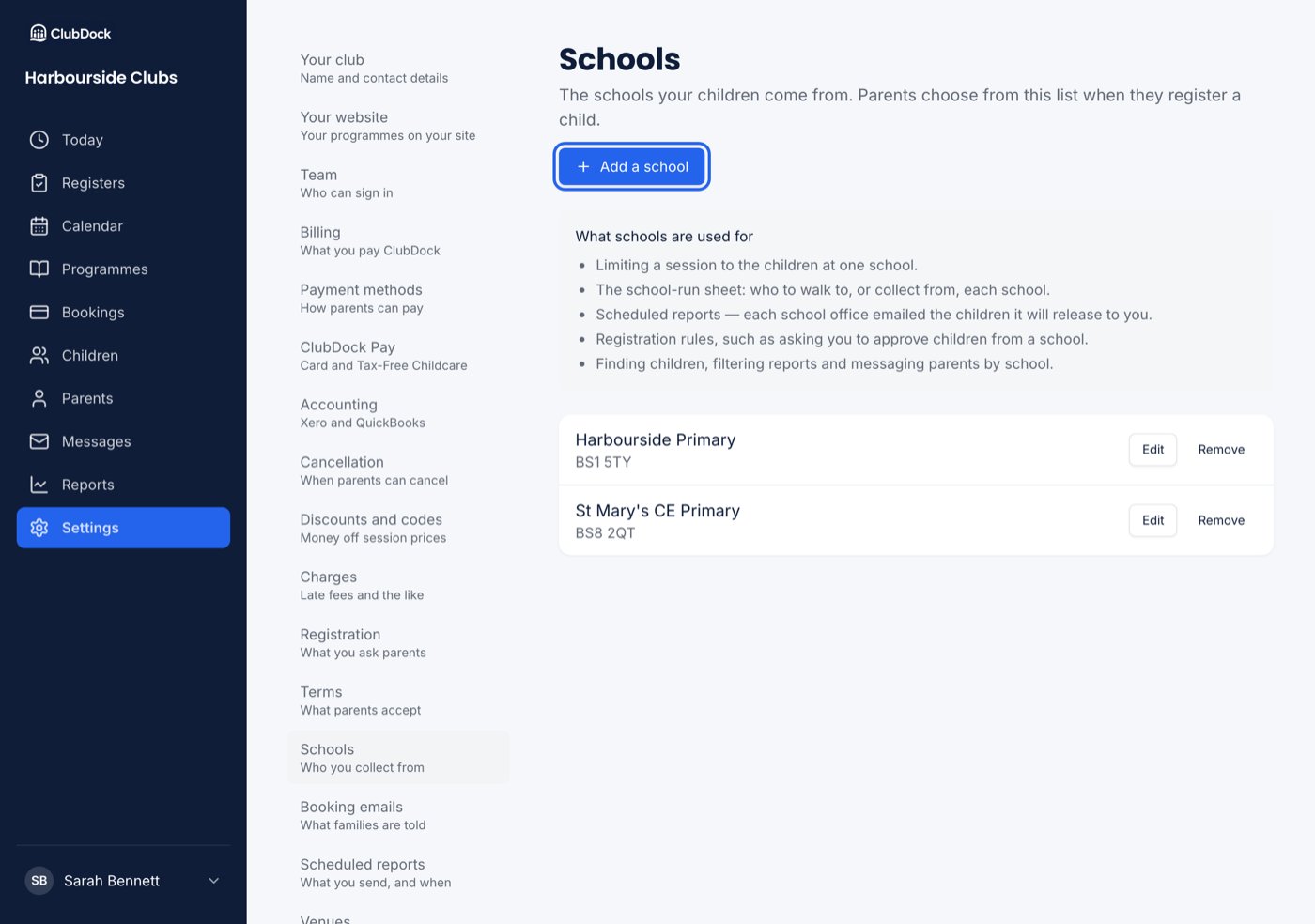
The Schools page with two schools listed and the Add a school button highlighted

If you don’t collect from schools

A holiday camp or a Saturday class may collect from none. In setup, press We don’t collect from schools on the Schools step and it ticks. If you add a school later, that’s fine too.

Remove a school

Press Remove beside it and confirm. Children already at that school keep it on their record. You can no longer choose it for new children, or limit sessions to it.